
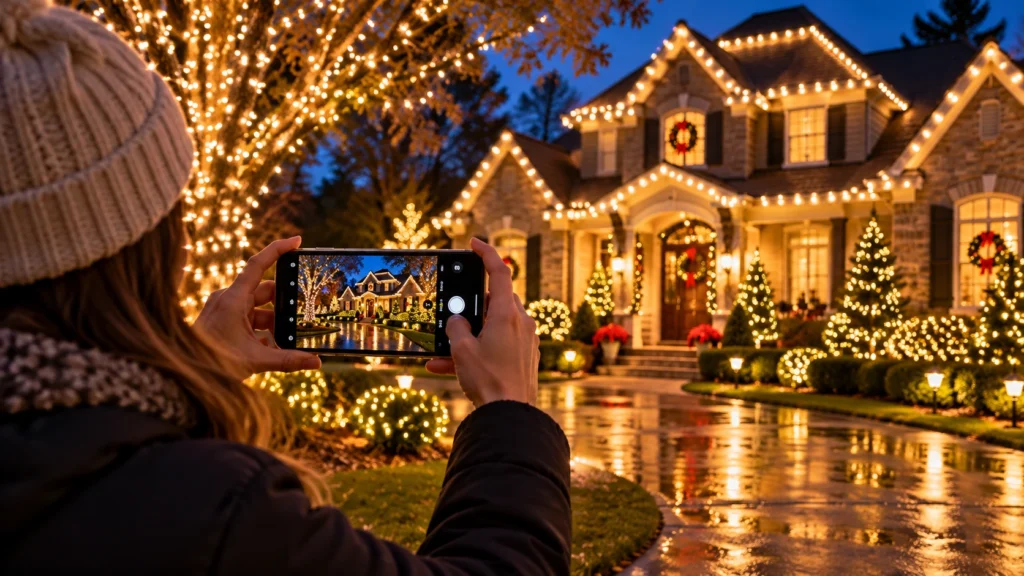
Your Christmas lights may look beautiful from the curb, yet the first phone photograph can turn them into blown-out white dots against a black house. Better pictures rarely require an expensive camera. A few decisions about timing, stability, viewpoint, and exposure can reveal the display as it actually looks, while keeping you safely on the ground.
Shoot during blue hour when possible
Try photographing the home shortly after sunset while the sky still has a trace of blue. That remaining ambient light helps the roof, trees, and landscaping retain definition. In complete darkness, a phone may expose for the brightest bulbs and lose the house itself. You can also compare a true night shot for a different, more dramatic mood.
Choose a viewpoint that shows the design
Start with a straight, wide view of the front elevation. Make sure the roofline, entry, and primary landscape accent are all visible. Then take close-ups of one tree, wreath, or entry feature. Avoid forcing the camera into an extreme wide-angle distortion when a slightly farther position would show the composition more naturally.
Lower exposure to preserve bulb details
On many smartphones you can tap a bright portion of the scene and move the exposure control downward. This helps prevent individual bulbs from merging into a featureless glow. Experiment with night mode and ordinary photo mode; longer exposures can brighten the house but may create motion blur when branches move in wind.
Stabilize the phone without approaching hazards
Rest your elbows against your body, lean against a stable surface, or use a small tripod on firm ground. Do not stand in the street, climb onto a wall, or step into a dark landscape area to obtain a dramatic angle. Avoid photographing directly into passing headlights, and respect neighboring properties and privacy.
Edit gently and keep the colors believable
Small adjustments to highlights, shadows, and white balance can make the final image clearer. Excessive saturation or over-sharpening can change the apparent LED color and misrepresent the design. If you share the photos with your installer as an example or with a neighborhood group, choose images that accurately show the real display.
Learning to photograph Christmas lights with a phone can help document a design, but camera settings cannot replace a well-balanced display. Explore the Cumming holiday lighting approach and the residential Christmas lighting service for design considerations that show up in finished photos.
Before you request a lighting estimate
- Photograph during blue hour and after full darkness.
- Take one full-property photo and several detail shots.
- Reduce exposure if the bulbs lose their individual shape.
- Stay on sidewalks and safe viewing areas while shooting.
Frequently asked question
Why do white LEDs look blue or orange in photos?
Automatic white balance and the surrounding light sources can shift the color. Compare the photo with what you see in person and adjust white balance modestly.
Additional local planning resources
For more detail, read Holiday Haven Project Gallery and Christmas Light Design Planning.
Planning a holiday display in Cumming or nearby Forsyth County? For an installation quote based on your property, request a free estimate from Holiday Haven. Final services, availability, and project terms depend on the written proposal.